
Business phone systems
Business calls. In the right hands.
Start with your main number. Add the teams who take calls, decide when they are available and choose what happens when nobody picks up.
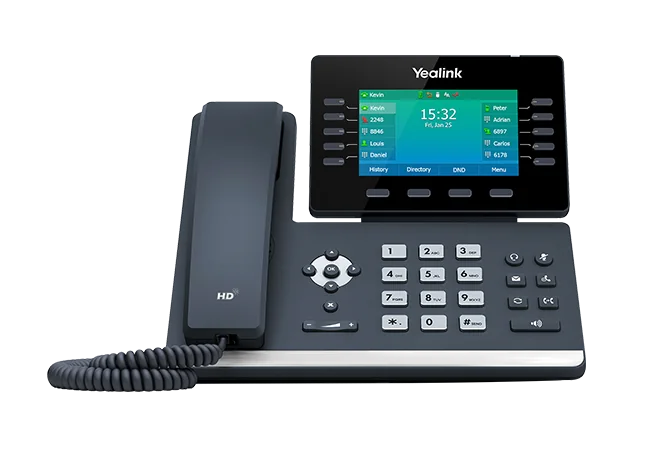
Get the important details right
What this means for your business.
Help callers get through
Send a number straight to a team or offer a short menu. Keep the choices to the ones your customers actually need.
Share the ringing
Let several people answer the same number. Ring them together or in an order that suits their jobs.
Finish every route
Give busy, unanswered and out-of-hours calls somewhere to go. Try those situations before you finalise the design.
A practical way forward
See how this works for your team.
Keep the choices, responsibilities and outstanding questions together. That makes the next conversation more useful.
Build your system →- 01
Name your teams
Start with reception, sales, support or the departments your callers ask for.
- 02
Set the hours
Add the working week and a separate message for closures.
- 03
Try a call
Follow a simulated caller from the main number to the final destination.
Before you take the next step
Your questions, answered.
Need to check a specific requirement? Call 0330 0883 750.
Can we keep our numbers?
Include existing numbers in the transfer plan. A real move requires ownership checks, carrier acceptance and a coordinated cutover.
What if nobody answers?
Choose a queue, another team, an alternate site or voicemail. Test that route in the builder before your design is handed over.
Does this website place calls?
No. This planning preview lets you configure and simulate a complete caller journey without touching a live phone service.