
Installation & professional services
Ready for the first call.
Installation is more than plugging in a handset. Agree who prepares the equipment, checks the routes and helps everyone get comfortable with the new system.
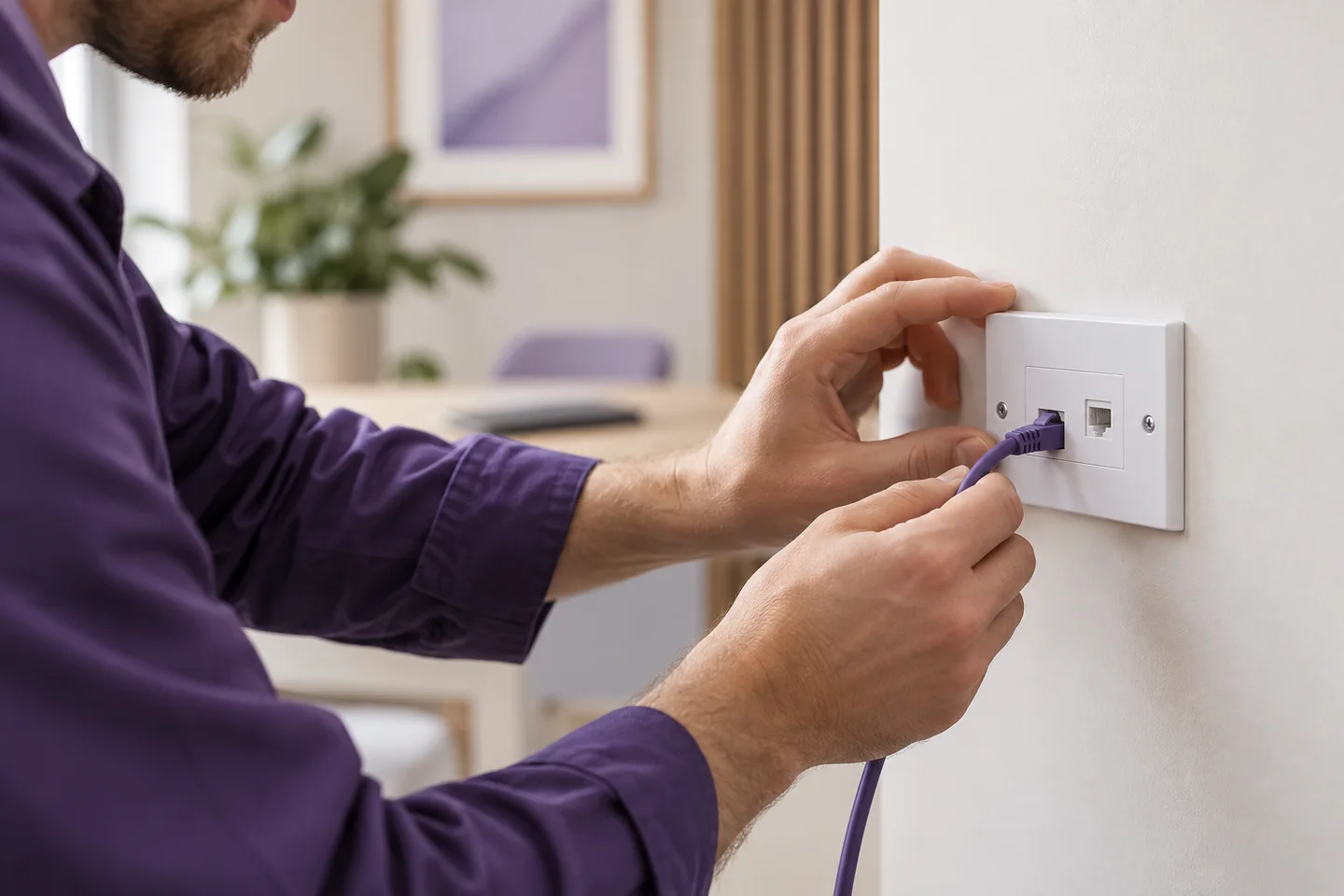
Get the important details right
What this means for your business.
Remote help
Suitable setups can be prepared with someone on site following the agreed instructions. Confirm the local network is ready first.
An on-site visit
Allow for the desks, cabling, access and working hours involved. The visit needs a clear scope, particularly across several locations.
Instructions for your system
Keep the extension list, opening hours and fallback routes together. The builder can download a manual for your example design.
A practical way forward
Prepare a useful system handover.
Keep the choices, responsibilities and outstanding questions together. That makes the next conversation more useful.
Read setup guides →- 01
Agree the work
List equipment, configuration, training and any tasks your own team will handle.
- 02
Prepare the changeover
Choose a time and keep a working alternative during the move.
- 03
Check it together
Review the agreed routes, record anything outstanding and hand over the instructions.
Before you take the next step
Your questions, answered.
Need to check a specific requirement? Call 0330 0883 750.
Is installation included in the estimate?
The preview lets you select self setup, remote or on-site installation. Prices are illustrative; a real scope and price are confirmed together.
Can you help with a complex migration?
The migration journey brings current numbers, users, features and costs into one comparison, then prepares the replacement design for review.